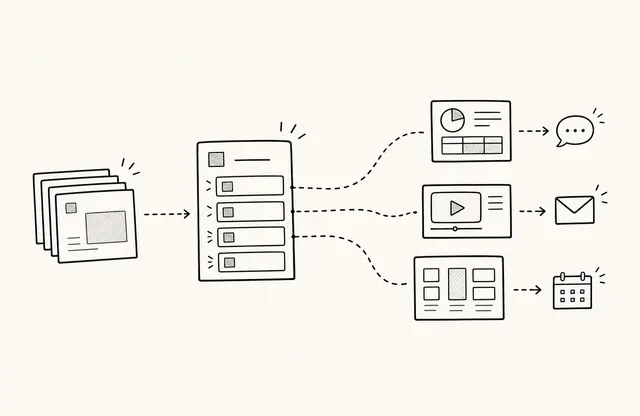
A product launch may start with a messaging brief in Notion, move to Figma for design, be reshaped into a PowerPoint deck for meetings, and branch into Adobe Express for campaign variants. The number of tools is not the problem. Confusion begins when the team has not defined which version the client should treat as final.
Sending a planning link, a Figma review link, a PPTX file, and a PDF in sequence leaves the client to decide which one is current. Every revision creates another copy, and the team keeps asking what was sent last week. The answer is not to force every team into one authoring tool. Separate where work is created and revised from where approved material is released to clients.
How should the team separate these three document states?
- Working file. The Notion draft, Figma file, or PowerPoint deck is still changing. It may contain comments, hidden frames, provisional figures, and internal notes. It exists for collaboration, not client delivery.
- Internal review copy. An exported PDF or review link shows how the words, numbers, design, and links work together. Give it a version and review date, and identify anything that remains undecided.
- Client-ready deliverable. This is the approved document with only the content and contact path the recipient needs. At this stage, the approval owner matters more than the last person who edited a slide.
Mixing these states can expose internal comments or trigger unnecessary access requests. A review copy sent as final can also turn an unapproved statement into the client’s reference point.
Why should delivery be treated like a release?
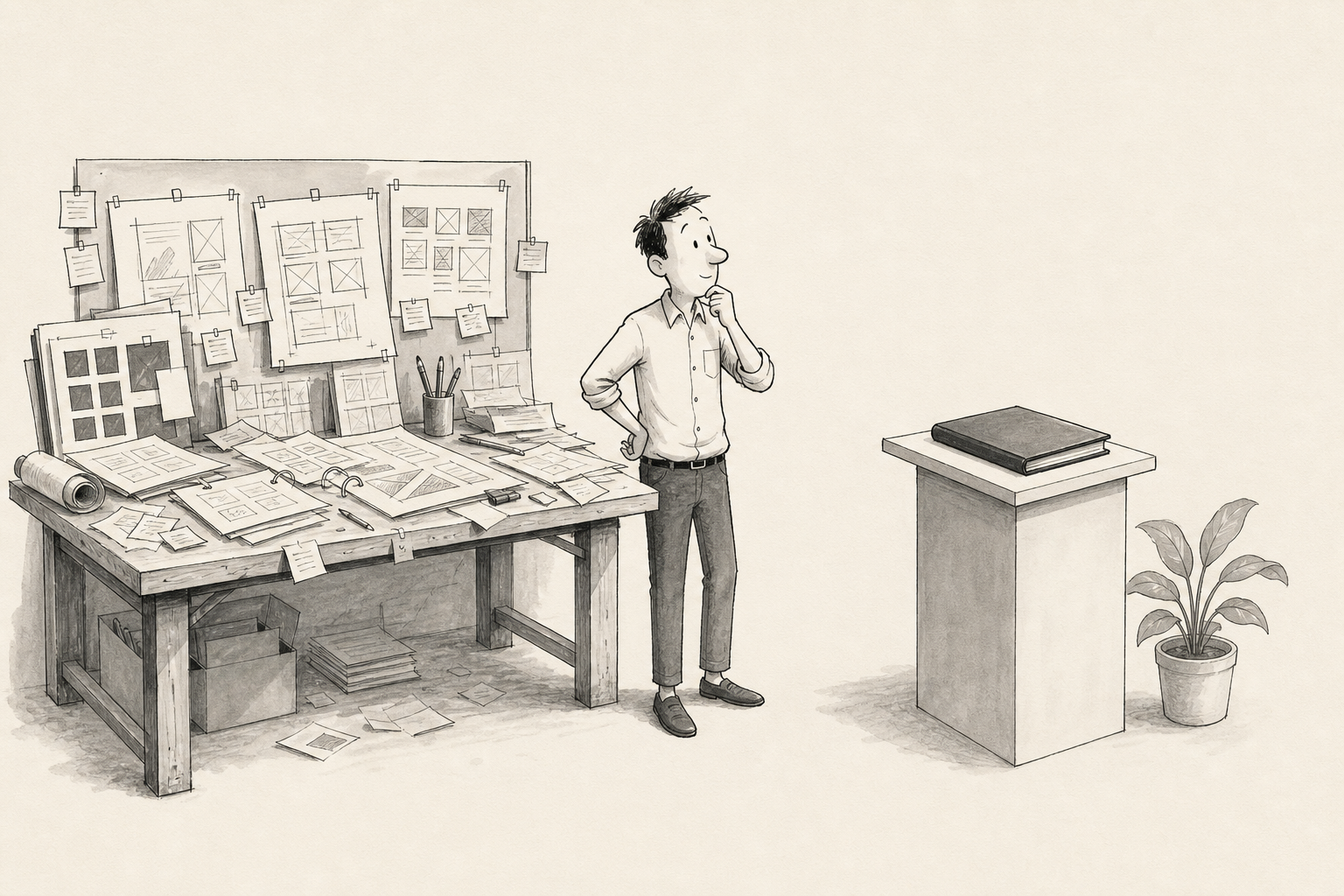
Exporting a PDF is only one step. Confirm that pricing, dates, scope, and key figures match the approved source. Check fonts, charts, images, and page order in the rendered file. Open the first page and any dense table on an actual phone, then test every inquiry, booking, and reference link.
Not every edit needs the same approval path. A typo that leaves the meaning intact is different from a change to price, performance figures, contract scope, security language, or a CTA destination. Define which changes can move quickly and which must return to the owner for review.
Where does FeatPaper fit in the workflow?
Keep planning in Notion and design or presentation work in Figma or PowerPoint. Bring FeatPaper in once the content is approved and ready for client delivery. Teams can share an approved PDF or PowerPoint document through a browser link. The documented Figma plugin can also turn selected frames into a shareable document, and supported document updates can preserve the same link.
Work created in other authoring tools can follow the same review-and-release process once it has been exported and approved. FeatPaper supports the handoff; it does not need to replace the tools used to create the work.
When should a change be announced separately?
A stable link can point recipients to the current document, but it cannot explain a material change by itself. If pricing, timing, or scope changes, state what changed and when in the email or on the document’s opening screen. Attachments already sitting in inboxes do not update, so retire the earlier file explicitly if both a file and a link were shared.
What can a viewing record tell the team?
A viewing record can show that someone returned to the delivery link. It does not show that the recipient accepted a revision, understood every page, or intends to buy. Use the observation to prepare an open question, such as “Is there anything you would like us to clarify about the revised pricing?” Important changes still need a direct conversation.
Client-release checklist
- Where is the working source, and who owns it?
- Who approves external delivery?
- What are the current version and revision date?
- Have the PDF, mobile view, links, and CTAs been tested?
- Which changes require a new review?
- How will recipients be told what changed?
Inside the team, a multi-tool workflow can stay flexible. For clients, keep the rule simple: one approved document, one current link, and a clear message whenever a material detail changes.