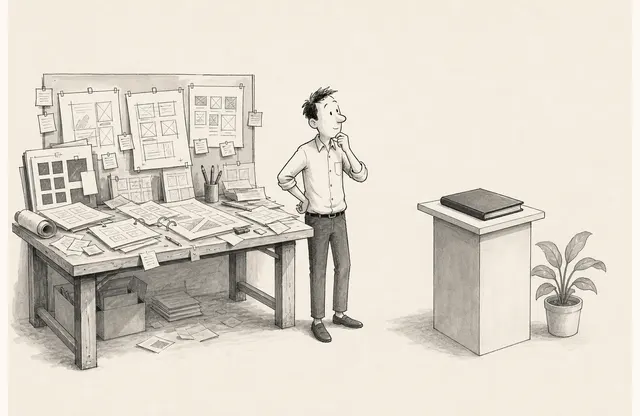
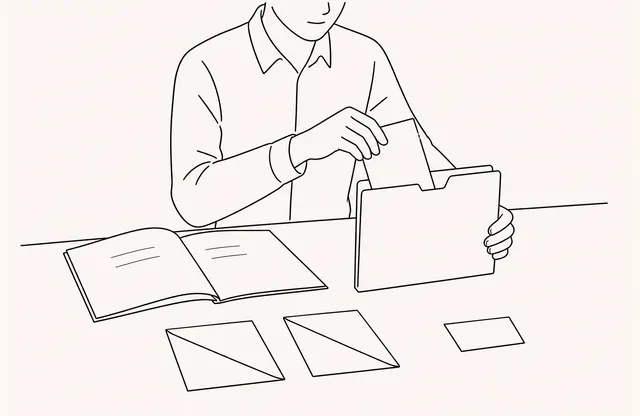
There is often a recurring question that makes every product conversation switch to screen sharing: “How complicated is the setup in practice?” or “What does the user see at this step?” A static image may not answer it well.
A demo video can help at that point. But adding a full product introduction or making several pages move at once creates more information to review. Video in a sales deck should be evidence for one stated action, not decoration that merely sets a mood.
Write the sentence the video must demonstrate
Before choosing a clip, write the page’s claim in one sentence.
- A user opens the material on this screen without installing anything.
- An administrator changes the sharing scope in one place.
- The setup finishes in three steps and displays the result.
If the video does not answer that sentence, it belongs elsewhere or can be removed. A brand film, a founder introduction, and a complete product tour serve different purposes. Keep only the scene needed for the question on that page so readers know what they have examined.
Show the claim first, then attach the motion
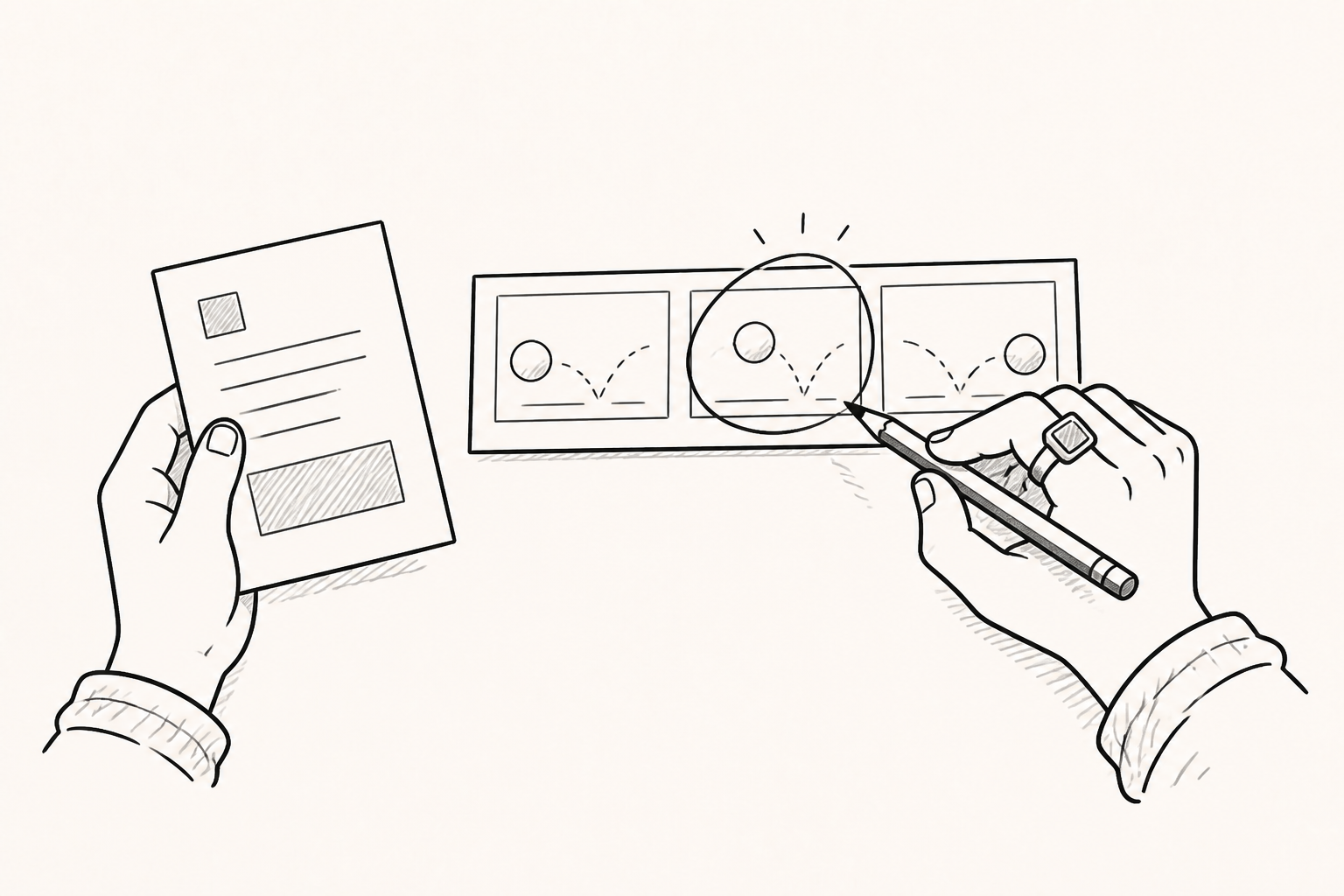
When a large video starts as soon as a page opens, readers do not yet know why they should watch it. State the problem or capability first. Place the clip at the point where “How does this work in practice?” becomes the natural next question. Keep applicable conditions and exceptions as static text after the video.
For example, below a claim that “material is shared in three steps,” show upload, settings, and link copying. Put supported file formats and permission conditions outside the clip. Motion demonstrates the sequence; text preserves the scope that reviewers need to check.
Cut by one question, not by a fixed duration
Reducing every demo to 30 seconds does not make every clip useful. Limit one video to one question, and the necessary duration becomes easier to determine.
An unedited screen recording turns menu exploration and waiting time into part of the explanation. If a longer product tour is needed, divide it by scene. A pre-meeting deck can show one essential action, detailed evaluation material can cover the full flow, and a help article can explain settings and exceptions. A sales deck does not need to make viewers complete an entire training video.
Make the start and finish visible. Show the initial state first, then pause on the completed change at the end so the sequence can be followed without sound.
Preserve the conclusion when the video is not played
Some readers have a slow mobile connection, cannot turn on audio, or work in an environment where external video services are restricted. If the video’s failure also removes the page’s claim, the page is too dependent on playback.
Keep a representative frame, a short caption, subtitles, and a one-line conclusion. Small menus and numbers may not be readable on mobile, so prepare a cropped still image when needed. Do not place pricing, security scope, support conditions, or sources only inside the video.
PIP and Embed are placement methods, not performance results
FeatPaper product material describes a PIP method that interprets an external video link in a PDF and an Embed method that adds media directly to a document. Whichever method is used, the goal is not to hold readers in one place. It is to answer the page’s question as briefly as possible.
Adding video does not by itself raise time spent or conversion. Page-viewing records and CTA clicks also do not show that someone understood the video to the end. Check whether recurring questions in meetings change and whether customers can accurately explain the conditions presented after the clip.
Walk through three environments before publishing
Review the document on a desktop, on a phone, and with sound off. Check that the video does not cover the page, that readers can continue without playing it, and that the path to an inquiry or detailed resource remains visible at the end. Also verify the fallback message shown when an external video is blocked.
A good sales deck is not the deck with the most video. It uses one short, precise action where static explanation stops being enough. Once the video demonstrates that sentence, leave the remaining conditions and next actions in a form that reviewers can still read.