After sending a document, the easiest question to ask is, “Did you read it?” It is polite enough, but it rarely reveals what the customer still needs. If they have not read the material, the question feels like a reminder. If they have, the answer may be no more than, “We are reviewing it.”
PDF analytics is not a way to send that question more often. It is a way to use the records left after a document is opened to prepare a question the customer can answer more easily.
What the record shows and what still needs a question
FeatPaper document analytics includes visits, page viewing time, and key pages. At the visitor level, teams can also review revisited pages, the pages viewed longest, links clicked inside the document, and the viewing environment.
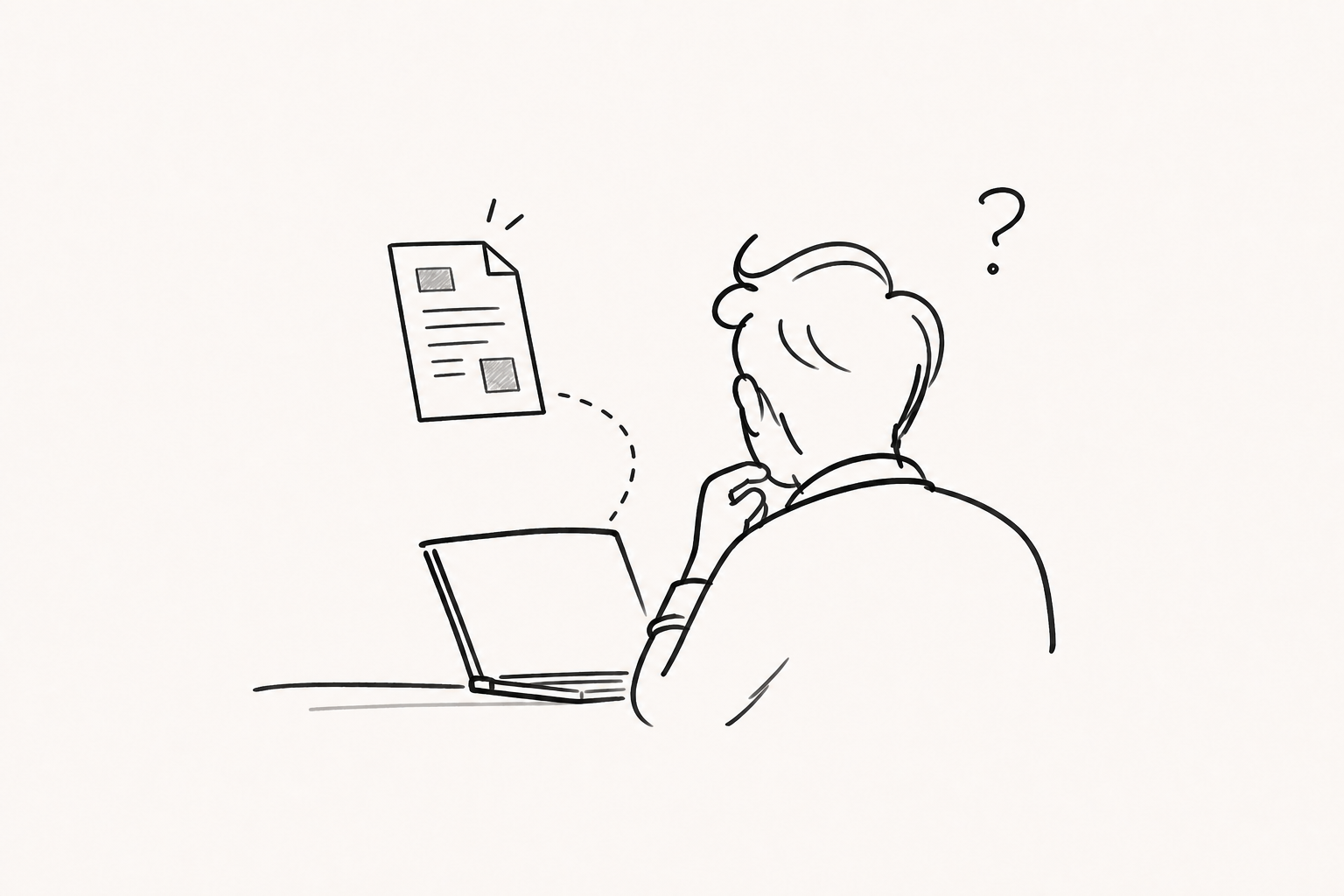
These records show behavior. They do not explain the reason for that behavior.
A pricing page left open for a long time does not prove that budget approval is close. The reader may have been comparing options, struggling with the explanation, or working on something else with the page still open. Revisiting the same document does not have only one meaning either. Someone may be sharing it internally or returning because the information they need is difficult to find.
A visit count is also not the same as a unique visitor count. If one person opens the document several times, the number of visits rises. Do not turn that number into a headcount or let one duration metric stand in for a customer’s decision.
Turning five common records into useful questions
Here are five records that often appear and the questions they can help you prepare.
- The document was opened. You know that someone accessed the link, not that they read and understood the material. First check whether it opened comfortably on their mobile device or within their company environment.
- The same visitor returned. A revisit occurred, but it does not prove stronger interest. Ask whether an internal summary, security material, or another supporting document would help the review.
- One page has a long viewing time. The page remained on screen for longer. Ask whether any option was hard to distinguish or any condition needed comparison.
- Several readers stop around the same point. This may be a document-structure problem rather than one customer’s lack of interest. Check whether the conclusion appears too late or the explanation takes too long to reach it.
- A link inside the document was clicked. A specific action was selected, but an inquiry or purchase was not necessarily completed. Explain what comes next and ask what support is needed.
Instead of judging any one record on its own, look at the sequence: the first visit, the pages revisited, how far the reading continued, and where a click occurred.
Four steps from observation to follow-up
A practical sequence for sales follow-up is observation → possible explanations → question → support.
1. Write down the observation as a fact
“The pricing page was displayed for 2 minutes and 40 seconds” is a record. “High interest in pricing” and “actively considering a purchase” are interpretations. Start by keeping them in separate fields.
2. Keep more than one explanation open
The reader may have stayed on the pricing page because the range looked suitable or because the plans were difficult to distinguish. They may have been preparing an internal report or left the page open while away from their desk. Keeping at least two possibilities in mind helps prevent the next message from rushing to a conclusion.
3. Turn the record into an easy question
Avoid a question like this:
You spent a long time on the pricing page. Are you currently reviewing the budget?
It treats the record as proof of buying intent and may make the customer feel watched. The same situation can lead to a different question:
Was there anything in the pricing options that was difficult to compare? If useful, I can prepare a one-page summary of the differences by team size.
If the document was revisited, ask, “Would an internal summary or security review pack help your team discuss it?” Use the record to choose the question, without reciting the record to the customer.
4. Offer one small piece of support
A useful follow-up reduces the work required for the next decision instead of chasing an answer. Ask which item is needed now—a pricing comparison, a one-page summary, a technical appendix, an implementation timeline, or a product video—and offer one. This is easier to continue than sending many files before you understand the situation.
Separate one person’s response from a document problem
When one person spends time on a page, that may inform the next conversation. When many visitors repeatedly stop in the same section, the document itself may need attention.
Suppose several readers leave a twelve-page document before page four. Adding more product explanation may help less than moving the main proposal or expected outcome earlier. If a feature page is repeatedly revisited, compare that pattern with questions from meetings and inquiries before deciding whether the feature is compelling or the explanation is confusing.
This is why FeatPaper’s document-level and visitor-level views serve different jobs. Use individual records to prepare follow-up, and repeated patterns across readers to improve the order and clarity of the material.
Viewer identification depends on the sharing method
Whether a name or email appears in analytics depends on the link configuration. With a FeatPaper standard link and no lead form, the visitor is shown as Unknown. With a lead form, the visitor is distinguished by the information they submit. Dedicated links and links for third-party tools use the entered email as the visitor key. A lead form with no fields marks visitors as Anonymous.
Even when an email is visible, the original recipient and actual viewer may not always be the same person because a link can be forwarded. When identification matters, choose among a lead form, a recipient-specific link, and an open link before sharing. The level of identification and the amount of information the customer must enter should be considered together.
A checklist for building team rules
Document analytics does not require an immediate message for every notification. A few operating principles can prevent both overreaction and inaction.
- Choose the sharing method in advance for important accounts and projects.
- Identify two or three pages that must communicate their point before sending.
- Consider revisits, progress through key pages, and clicks together rather than relying on one viewing duration.
- Use individual records for follow-up questions and repeated patterns for document improvements.
- Record the customer’s direct answer and compare it with the team’s initial interpretation.
The last step is how a team develops its own standards. Instead of borrowing an engagement score or an arbitrary viewing-time threshold, keep track of which record prompted which question and what the customer actually said.
Ask what is needed instead of asking “Did you read it?”
PDF analytics does not replace sales judgment. It simply helps move the starting point from a vague assumption to a question worth checking.
Was there any part of the review that would benefit from a more detailed explanation?
Would a shorter or separate version help you share this internally?
Would it help if we reorganized the options around the criteria you are comparing?
Document analytics becomes more useful when records are not treated as the customer’s answer. The goal is not to classify customers too quickly, but to ask more precisely what they need for the next decision.
To review the measurement steps between document engagement and revenue, see Revenue Attribution Starts After the View. For ways to design the next action inside a document, see Flexible Ways to Continue the Customer Conversation.
Frequently asked questions
Can PDF analytics reveal buying intent?
No. Opens, revisits, page viewing time, and clicks describe behavior. Buying intent and internal approval status still need to be confirmed in a conversation.
Does a long viewing time on the pricing page show strong interest?
It may reflect interest, but it may also mean that the options are complex or the explanation is unclear. Review the reading sequence, revisits, and clicks together, then prepare a question.
Can I always identify who opened the document?
It depends on the sharing method. A standard link without a lead form can be recorded as Unknown. If visitor identification is needed, choose a lead form or recipient-specific link that fits the purpose.
What still needs native review?
An English-language reviewer still needs to check the editorial tone, sales terminology, and CTA wording. Until that review and a separate indexing decision are complete, this page remains noindex and on indexing hold.