The target company’s logo is on the cover and its name appears in the opening sentence. The rest of the document is identical to the deck sent to every account. Procurement conditions, operating questions, and security evidence still arrive in the same order. The surface is personalized; the review process is not.
ABM document personalization is not decoration that pretends to know the account. It is editing the decision question, verified evidence, open gaps, and ownership of the next conversation for that account.
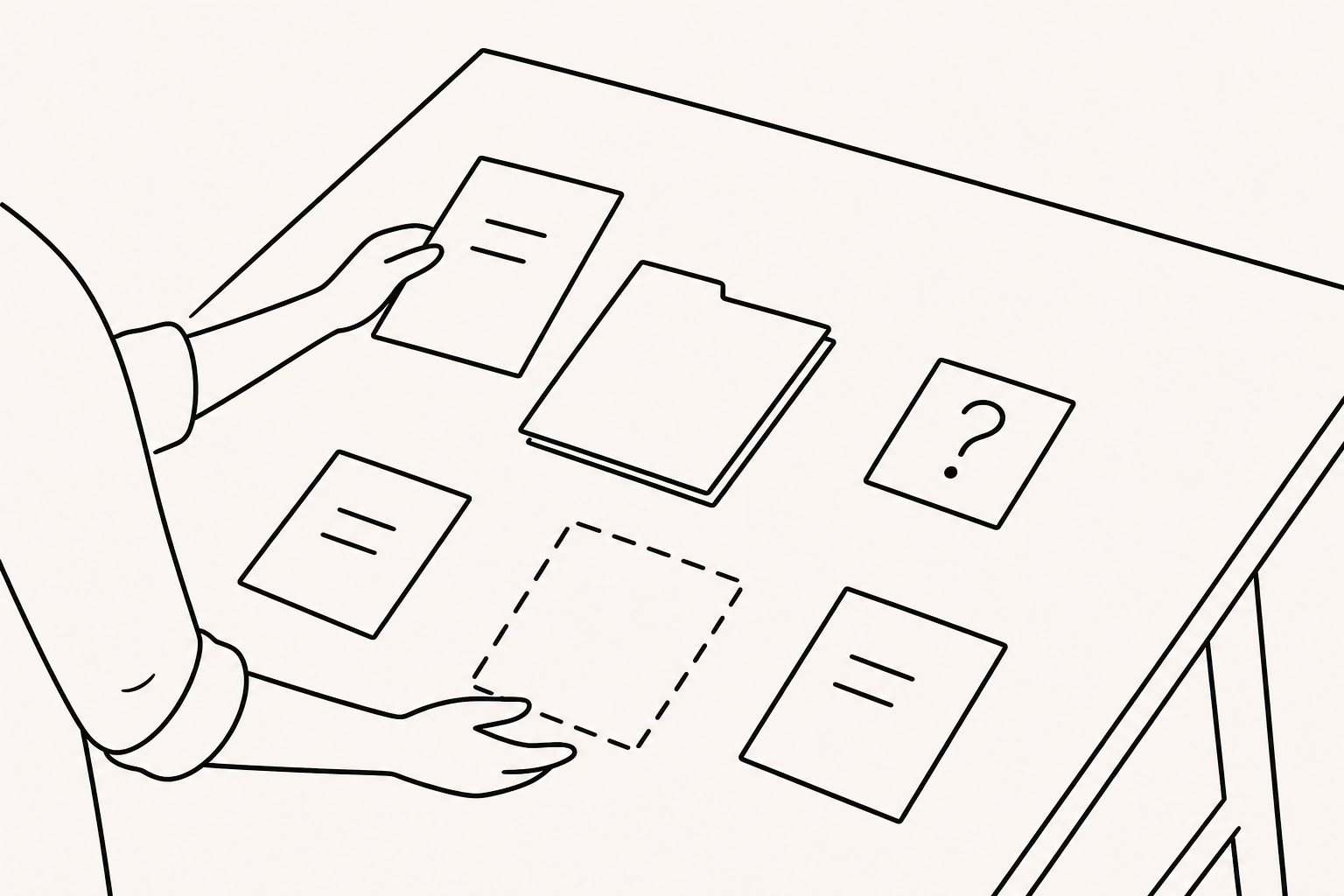
Personalize the decision context, not the company name
Before creating an account document, state the decision it should support in one sentence. A discovery conversation, a comparison among alternatives, and a review of operating scope and risk need different material.
“We support your growth” can be written for almost anyone. It does not create account context. Use the issue confirmed in an earlier conversation, the material the customer requested, the review deadline, and the questions that remain unanswered.
The test is not whether the account name appears. It is whether the document can explain why this account should read it now.
Separate account hypotheses from facts and open gaps
An ABM document may begin with an account hypothesis, but presenting a hypothesis as fact weakens the work. Divide information into three columns before drafting:
- Verified fact: a goal stated by the customer, public organizational information, or a requested condition
- Hypothesis to review: a possibility grounded in verified facts and reserved for the next conversation
- Open gap: a question that must not become a document claim before it is answered
Suppose the customer confirmed that regional teams use different company decks. Do not immediately write that version confusion is the primary problem. State the verified distribution situation and ask, “Which information needs to vary by region, and which must remain consistent?”
Attach evidence and a verification method to each hypothesis. Also decide which part of the document will change once an answer is available.
Create review paths only for verified stakeholders
Different roles within an account may ask different questions, but do not assume that operations, procurement, and security always participate in the same order. Reflect only the roles and questions confirmed in real conversations.
The opening should state the purpose of the review and its main questions, then provide a path to the relevant section. An operator may ask about workflow and change burden. Procurement may need scope and conditions. A security reviewer may need verified policy and an exception path. If a role has not been confirmed, keep a common question rather than inventing a separate section around a guessed org chart.
The CTA can also vary by current stage: collect questions through the known owner, request a technical review, or prepare for the next meeting.
Mark the boundary between shared modules and account evidence
Company information, product principles, and verified capabilities belong in baseline modules. Account context, selected evidence, proposed scope, and the next question belong in account-specific modules.
Record the source and verification date for account-specific content. Add the URL and cutoff date for public material, or link the meeting note for information confirmed in a conversation. Do not fill gaps with unsupported outcome estimates or industry statistics.
When shared content changes, check that account hypotheses and exceptions are not anchored to an obsolete premise. This boundary is there to prevent one account’s assumptions from leaking into another account’s document.
Do not copy personalization exceptions across accounts
If pricing conditions, timing, scope, or wording change at an account’s request, record who requested the exception, what changed, and when it expires.
An exception approved for one account must not be copied into another document. An expired condition or another customer’s assumption is more consequential than an old logo.
Before sending, compare the baseline module, account exceptions, recipient, and response owner. When a revision is sent, record which differences were communicated.
Use viewing records only to prepare the next account question
When an account document is shared with a FeatPaper link, the team can review records such as document access, page views and time, revisits, and link clicks. This article does not assume that FeatPaper automatically creates account documents or inserts logos and messages.
A revisited section does not establish interest, approval, or buying stage. If the technical scope page was reopened, ask whether the explanation was incomplete, the information was needed for internal sharing, or the team was comparing alternatives.
The quality of an ABM document is not measured by logo accuracy. It depends on separating what the team knows from what it does not, helping verified stakeholders find the evidence they need, and turning open gaps into answers in the next conversation.