The moment a sales meeting lands on the calendar, it is tempting to send everything: the company overview, product deck, proposal, pricing sheet, customer stories, and technical documentation. The buyer opens the email and has to decide where to start. During the meeting, everyone follows a 40-slide presentation and misses the chance to ask questions. Afterward, another bundle of files arrives.
In a remote sales process, documents should not try to replace the meeting. Before the call, they create context. During it, they give the conversation structure. After it, they carry agreements and open questions into the buyer’s internal review.
Start with the decision, not the document count
Sending a detailed proposal too early asks the buyer to interpret pricing, features, and proof without the conversation that gives them context. Sending nothing can turn the meeting into a basic product walkthrough.
A better question is: What decision does the buyer need to make at this stage? Before the meeting, they are deciding whether the conversation is relevant. During it, they are identifying the conditions that need clarification. After it, they need to know what to review internally and what happens next.
Before the meeting: use a one-pager to frame the conversation
A short one-pager is usually more useful than a full proposal at this point. Include the situation you expect to discuss, the questions you want to answer together, the direction of the proposed approach, and a simple agenda. Save the exhaustive feature list, pricing detail, and case study library for later.
The one-pager does not need to close every question. It should help the buyer prepare better ones: How is this material shared today? Who joins the external review? Which operating or security requirements must be addressed before a decision? Those prompts help the buyer invite the right colleagues and bring the right context.
During the meeting: make the deck an agenda, not a script
The screen-share deck does not need to preserve every detail of the meeting. It only needs to move the conversation through the problem, the current approach, the proposed direction, the operating model, and the conditions still to be decided.
Keep feature inventories, long case studies, technical architecture, and security details as supporting material. Open them when the question comes up. If a demo is useful, focus it on the one action that is difficult to explain in words. This gives the seller room to change course when the buyer’s questions reveal a better order.
Capture three things as the conversation develops: agreed requirements, unanswered questions, and conditions that need further review. Those notes—not the original slide order—should determine the follow-up.
After the meeting: send a recap, then only what is needed
Start with a one-page recap rather than another large attachment bundle. It should show the problem discussed, the direction agreed, the open questions, the owners, and the next date.
Then add only the material required for the next review. Send the detailed proposal when scope and timing need evaluation. Send one relevant case study when the buyer wants to understand a comparable rollout. Add the technical or security appendix when that review has actually begun. The sequence is straightforward: context first, evaluation detail second, supporting evidence third.
Assume the material will be forwarded to someone who missed the meeting. The first screen should explain the background and the next action without relying on the presenter. Replace “Let us know if you have questions” with a specific request, such as introducing the security reviewer or choosing a time to confirm scope.
Use FeatPaper to connect the handoffs
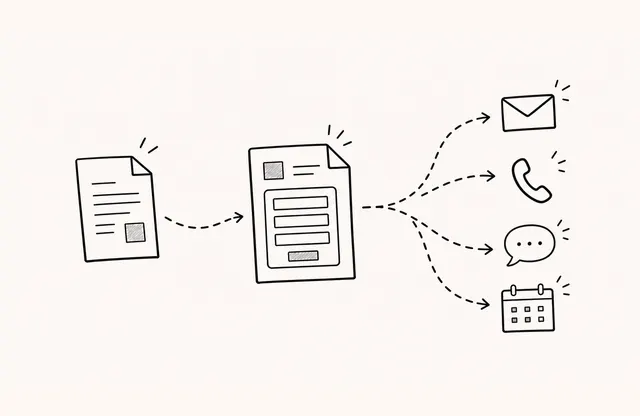
Sharing the one-pager, proposal, and case study as FeatPaper links lets the buyer reopen them in a browser or on mobile. When a document changes, the team can review the revision and update the document behind the existing shared link. A relevant page can also carry a link to the next conversation or meeting.
Visits, page-level viewing time, revisits, and link clicks are observations that can help shape the next question. If a buyer revisits a case study page, ask whether they are evaluating similar conditions. If they have not reached the technical appendix, ask whether a separate security handoff would be more useful.
These records show what happened, not why it happened. A view is not proof of engagement, agreement, or a decision to buy. The goal is to ask a more relevant question and let the buyer provide the context.
Five-point checklist before you send
- Does the pre-meeting material state the purpose and the questions to prepare?
- Is the meeting deck short enough to support a conversation rather than control it?
- Does the recap separate agreements, open items, and next actions?
- Were the case study and technical appendix selected in response to actual questions?
- Are viewing observations being used to form questions, not conclusions?
One-pagers, decks, proposals, and case studies do not become a coherent sales journey simply because they are comprehensive. They work together when the buyer receives the right document at the moment it supports the next decision.