You are about to send a product overview to a prospect. One last check finds the offer several pages in, tables that require zooming on a phone, and several calls to action competing at the end.
A link can let the recipient open the material without saving a file first. It does not repair the information architecture. First decide what the reader needs to understand and what decision each section supports.
What must the opening page establish?
Page one does not need the entire company story. It should establish three things:
- what the document offers
- whose work or problem it addresses
- what the reader can expect to find next
Pair the company name with a concrete description of the offer, audience, and document scope:
A retail operations platform for managing inventory and fulfillment across multiple locations. The following pages cover the core workflow, operating scope, and implementation steps.
The opening page gives the reader enough context to judge whether the material is relevant.
Does the sequence match the client’s decision?
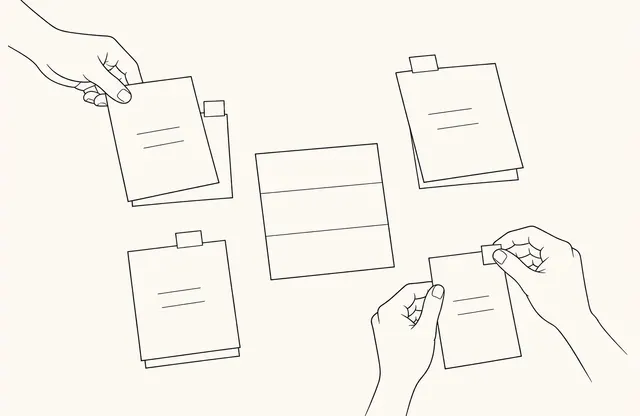
An internal presentation may begin with the founding story, vision, and timeline. A prospect first needs to understand the offer’s relevance.
One practical sequence is:
- the problem being addressed
- the proposed approach
- how it works in practice
- the evidence needed to evaluate it
- operating conditions and the next step
This is not a universal template. Place company history and credentials where they answer a client question instead of delaying the product.
Can it survive a small screen?
FeatPaper can share PDF and PowerPoint documents through a web link. The viewer does not rewrite small type or crowded source pages.
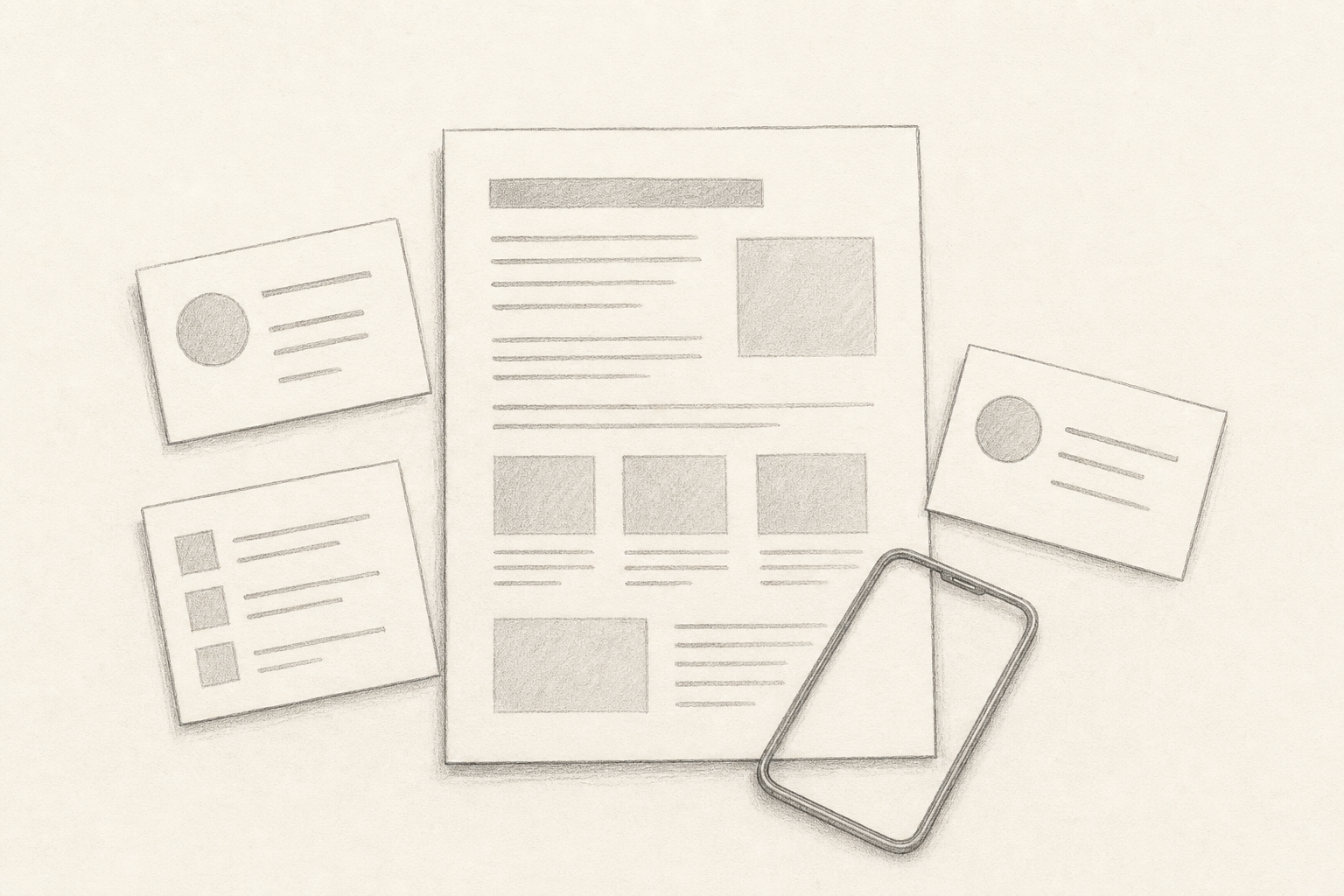
Open the document on a phone. Check whether the title and main point work without zooming and whether a table has too many columns.
Giving each page one priority question is a useful editing constraint, not an absolute rule. If architecture, pricing, examples, and implementation share one page, separate the decisions they support. Keep only essential comparison fields in a small table.
Is there one clear next step?
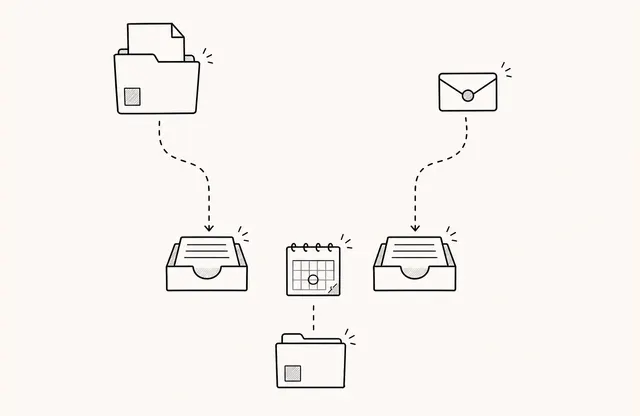
When every action receives equal emphasis, the reader has to set the priority again. Lead with the one that matches the document’s purpose.
A product overview might invite a discussion of operating requirements. Pre-meeting material might ask for questions in advance. An inquiry, meeting request, video, and download do not need equal emphasis.
Use link labels that describe the destination. “Ask about implementation requirements” or “See how the workflow operates” is more useful than “Learn more.”
What must stay current after sharing?
FeatPaper can update the document connected to an existing link. This can reduce resending, but an unchanged address does not explain what changed.
Add a revision date for decision-critical content and tell active prospects about material changes. Keep a separate fixed copy when the exact version sent must remain on record.
Pre-send checklist
- Does the opening page identify the audience and purpose?
- Does the flow move from problem and proposal to evidence and next step?
- Are the title and core point readable on a phone without zooming?
- Have dense tables and competing messages been reduced?
- Is one primary next step easy to find?
- Is there a clear revision date and change-notification practice?
A link simplifies the path into a document. The team still owns the reading experience. Start with what the recipient must understand on page one and the order that follows.