As an external review expands, company introductions, proposals, technical materials, and operating guides accumulate quickly. A single data room simplifies delivery, but reviewers still struggle to know where to begin if its document list simply mirrors internal folders.
The point of a data room is not to hold as many files as possible. It is to group documents around review questions while letting owners verify the audience and settings of each included link separately.
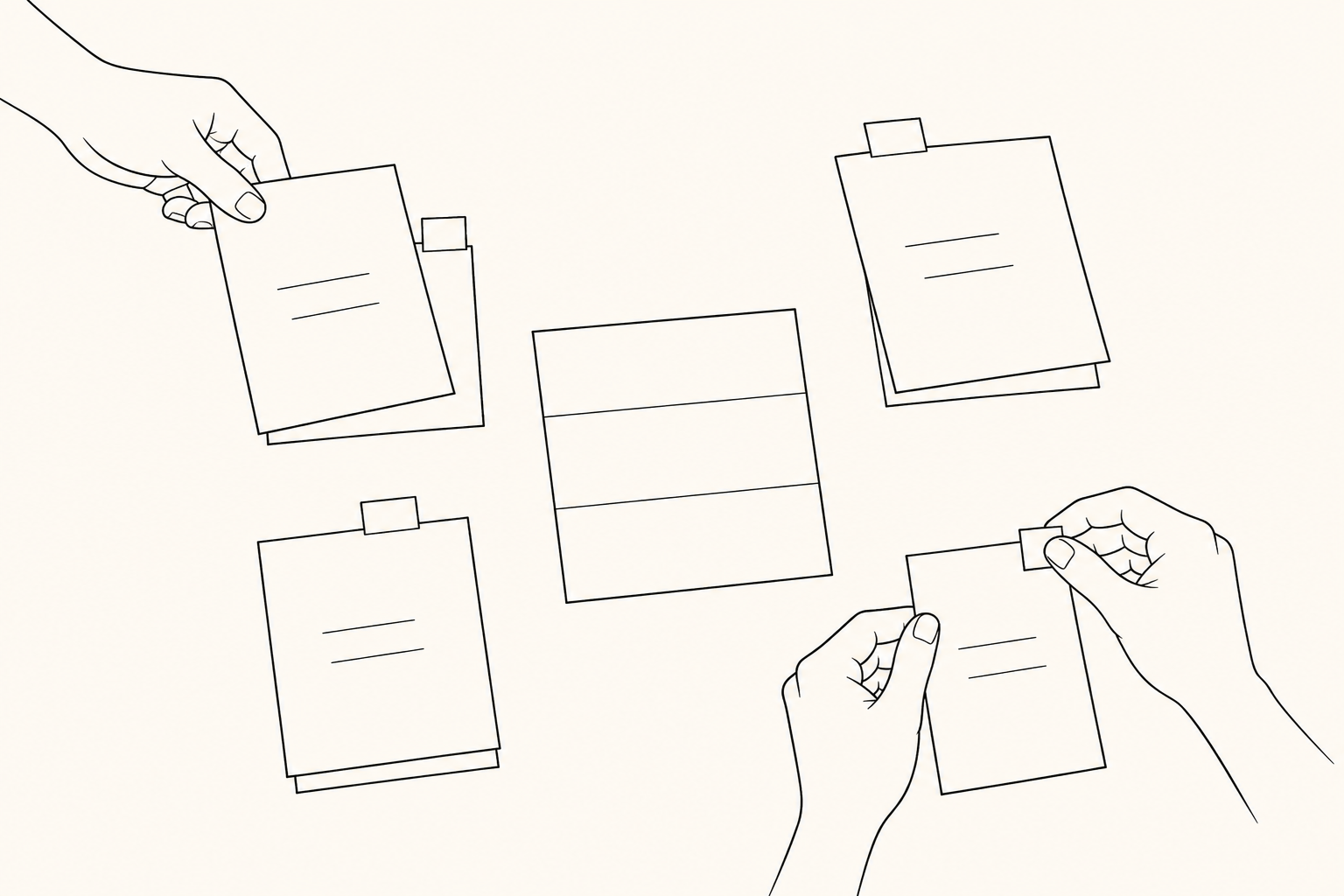
Group documents by external review questions, not internal organization
Internal teams organize materials by department, project, and file type. External reviewers ask questions in a different order: What are the company and product? What is the proposed scope? What needs to be checked for technical and operational review?
Instead of “Marketing,” “Sales,” and “Engineering,” organize groups around questions such as:
- What explains the company and product?
- What is required to review the proposal scope and cost assumptions?
- Which materials explain technical and operating conditions?
- What questions remain before the final decision, and who owns them?
Keep only the minimum documents needed to answer one question in each group. If the same document supports multiple questions, explain why it is relevant rather than creating another copy.
Connect documents and ownership with a room map
A simple room map prepared before the data room helps identify both missing material and excessive disclosure.
| Review question | Group | Document link | Owner | Allowed audience | Freshness | Link settings checked |
|---|---|---|---|---|---|---|
| What is being proposed? | Proposal scope | Proposal link | Sales owner | Review team | Current | Complete |
| How will it operate? | Operating material | Guide link | Operations owner | Working reviewers | Check needed | Pending |
This table does not replace an access-control system. It is an audit list that records why a link is included, who updates it, and which settings must be checked before sharing.
If a filename does not explain its purpose, add a one-line introduction. “Integration scope and conditions to confirm before adoption” is more useful than “Technical document” because it states the reviewer’s question.
Separate data-room visibility from document-link settings
A FeatPaper data room is a public bundle page containing selected document-sharing links. Links can be divided into groups, and every included link retains the settings stored on that document link.
This creates an important boundary. Publishing a data room does not make all documents open under the same conditions, and one room setting does not protect every link inside it. Information collection, download limits, viewing periods, and access restrictions must be checked on the relevant link.
Do not mark the room map’s “link settings checked” field complete in one step. Review each link against its actual recipients, duration, and distribution purpose. A data room should not be described as a room-wide security override, NDA workflow, or electronic-signature process.
Split the amount of information between the index and detailed documents
The first data-room page is not a report that summarizes everything. It is an index that helps reviewers find the appropriate group. Keep group names, short introductions, and contact owners concise, and place conditions and supporting evidence in the relevant document.
Do not repeat sensitive details in the public introduction. Explain when a detailed document becomes relevant, then apply the settings on the document link and the organization’s approval process.
As the room grows, remove links that do not answer a review question instead of adding every potentially useful file. If reviewers get lost, revisit the classification before increasing the document count.
Review the document, link, and introduction together when something changes
When proposal scope or technical conditions change, teams often update the source document and stop there. If the group description, document title, or owner still represents the previous state, reviewers must ask which material is authoritative.
Check changes in this order:
- Content and revision date of the authoritative document
- Whether the data-room link points to the current version
- Whether the group name and introduction explain the changed role
- Whether the allowed audience and link settings still fit
- Whether the material is still needed and who owns retirement
If a document or link is replaced, do not assume previous analytics and settings carry over automatically. Verify the actual link state and update the room map.
Leave a link-level audit trail before sharing
Before final distribution, confirm:
- Groups describe external review questions rather than internal departments.
- Each document answers one question and duplicate links are resolved.
- The owner and latest substantive update date are known.
- Data-room visibility is separated from link-level settings.
- Audience, duration, download, and access conditions are checked for every link.
- The data room is not presented as an NDA, electronic-signature, or absolute-security feature.
- Someone owns updates or cleanup after the review ends.
A useful external review data room is not a space containing the most documents. It lets reviewers find material by question and lets owners explain the setting and freshness of each link. Connecting groups, links, and responsibilities through a room map keeps the convenience of a public page from blurring review boundaries.