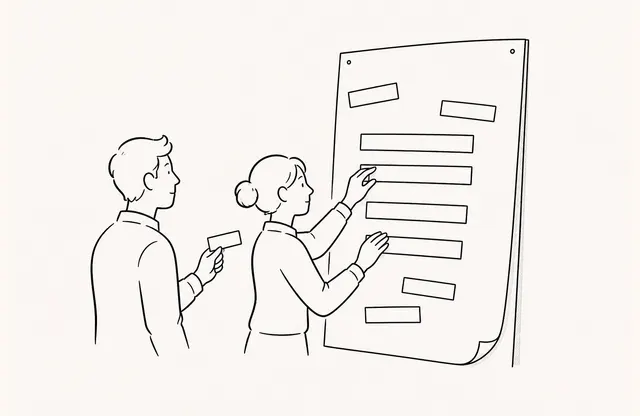
Before a new proposal is released, the marketing team opens the link, the sales team checks it on a phone, and the designer flips through revised pages several times. Visits and time spent may look high immediately after release, but some of that activity may come from the team’s own QA rather than customers. If those records become the baseline, the input is already mixed before anyone interprets customer response.
Excluding internal views is not a way to make the numbers look better. It is the work of separating known internal traffic and recording which conditions applied from which date so the assumptions behind an interpretation remain visible. Instead of promising a perfect filter, define the scope to exclude and the method used to verify it.
Separate the Types of Internal Traffic First
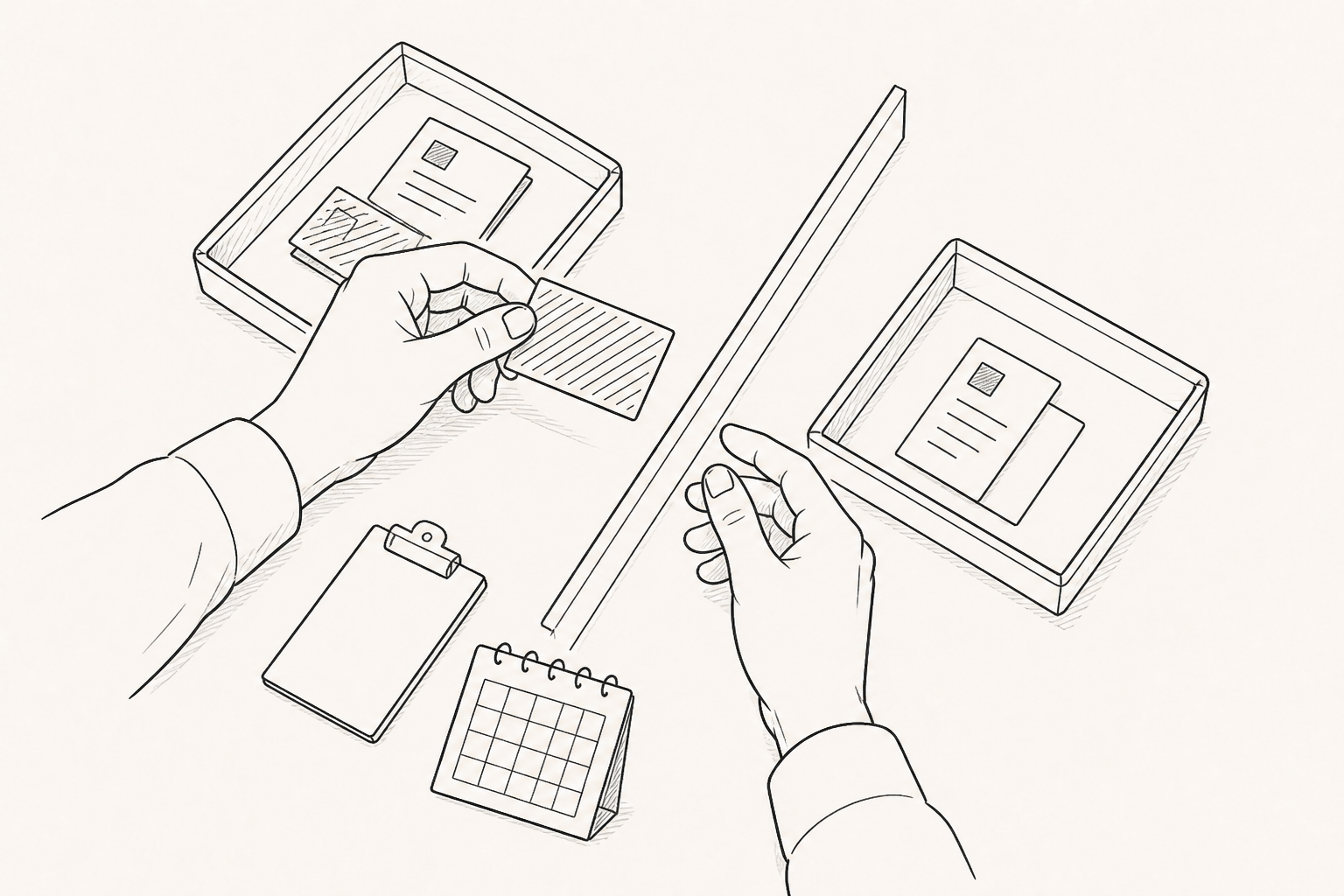
Treating every internal view as one category makes it easy to miss a path. Views from an office network, views by team members using a company email domain, tests conducted from home or another external network, and QA by an agency or partner are not the same type of traffic.
Start with the cases you can confidently explain as internal. Office IP addresses and the company’s email domain can be relatively clear criteria. Do not expect the product to recognize all other test traffic automatically. Record the purpose, operator, time, and environment of each test so it can be separated operationally. If a partner view could be either internal QA or an external response, do not exclude it by assumption; classify it separately.
Every Exclusion List Needs an Owner and Effective Date
A list of IP addresses or domains does not explain when each condition began or why it was added. An exclusion register should include the condition, description, owner, effective date, review date, and status. The list may need to change after an office move, VPN change, or addition of a company domain.
The owner verifies that each value is still valid and approves changes. A network administrator may supply an IP address while an analytics operator records the applied state and verification result. Recording the effective date prevents the team from treating periods before and after the change as if they used the same baseline.
Verify Exclusion With an Internal Control Test
Saving a setting is not proof that the exclusion works as intended. Open a test document from an internal environment listed for exclusion and choose an observable action, such as moving to another page or clicking a link. Then check whether the test record is excluded from the analytics baseline.
Record the test time, network or account condition, document, and action. If the result differs from what you expected, review the condition for a typo, the scope of application, and the test environment. A reproducible test case is more useful for future changes than a note saying that someone on the team opened the document and did not see a record.
Check for Over-Exclusion With an External Control Test
It is not enough to confirm that the internal record is absent. Open the same document from an external network or test condition that is not on the exclusion list and confirm that the expected record remains. The internal test should be excluded while the external test remains before you can judge whether the condition is too broad.
The external test does not need to identify a real customer. Its purpose is to compare inclusion and exclusion under bounded control conditions. Keeping the test account and time separate also reduces the chance that QA records are confused with later external response.
Do Not Assume Historical Numbers Were Recalculated
Do not assume that applying a new exclusion automatically recalculates earlier visits and time-spent records. When comparing historical periods, mark the date from which the new baseline applies. If periods using different rules must be viewed together, record the change and keep it as a limitation of the interpretation.
If there is no reliable evidence for identifying an internal record after the fact, do not subtract it arbitrarily. Instead, annotate the known test times and documents and apply a consistent control test from the next distribution onward.
The Remaining Records Are Still Observations, Not Proof
Even after internal traffic is excluded, the remaining visits are not guaranteed to represent customer response. Bots, forwarded links, and different networks may still affect the records. Visits, time spent, revisits, and clicks are observed behavior, not proof of purchase intent or the cause of a business outcome.
Add a short exclusion note to reports. Include the active conditions, effective date, latest control test, and known limitations so the team can see the input rules behind the records instead of reading only the numbers.
Internal-view exclusion is complete when the exclusion list has an owner, internal and external tests are reproducible, and the effective date and limitations can be explained—not when a graph looks smoother. Keep interpretation of customer response as a separate step without promising complete removal of every bot or internal visit.