“I’d like a quote.” That may sound like a successful response to a product catalog, but the sales team still needs to ask what the product will be used for, whether it must connect to existing equipment, how many units are needed, and when they are required. Without those conditions, it is difficult to recommend the right product family or prepare accurate supply information.
A catalog can include every model number and specification and still produce a vague inquiry. It explains what the company sells, but may not help the buyer work out which conditions matter to their situation.
This article is for industrial product marketers, sales enablement teams, and technical salespeople who manage catalogs with many similar models. The goal is not to make buyers choose a final model without assistance. It is to help the next conversation begin with a defined set of conditions instead of another tour through the entire product range.
A complete catalog can still produce an incomplete inquiry
Manufacturers and distributors often organize catalogs by product family, generation, material, capacity, or model. That taxonomy is useful for production, inventory, and internal product management. A first-time buyer may start with a different set of questions:
- Where and how will the product be used?
- Does it need to work with existing equipment or systems?
- Which performance requirements or standards are mandatory?
- Are there installation or operating constraints?
- What quantity and delivery window are required?
If the catalog does not help buyers answer those questions, they may scan the full model list and submit a broad request for a recommendation. The sales team then has to repeat information that was already in the document while collecting the missing conditions from scratch.
A useful catalog does not eliminate the need for a conversation. It separates what buyers can narrow on their own from what requires input from a sales or technical specialist. That is what turns a generic request into a useful starting point.
Narrow the buying conditions before the model list
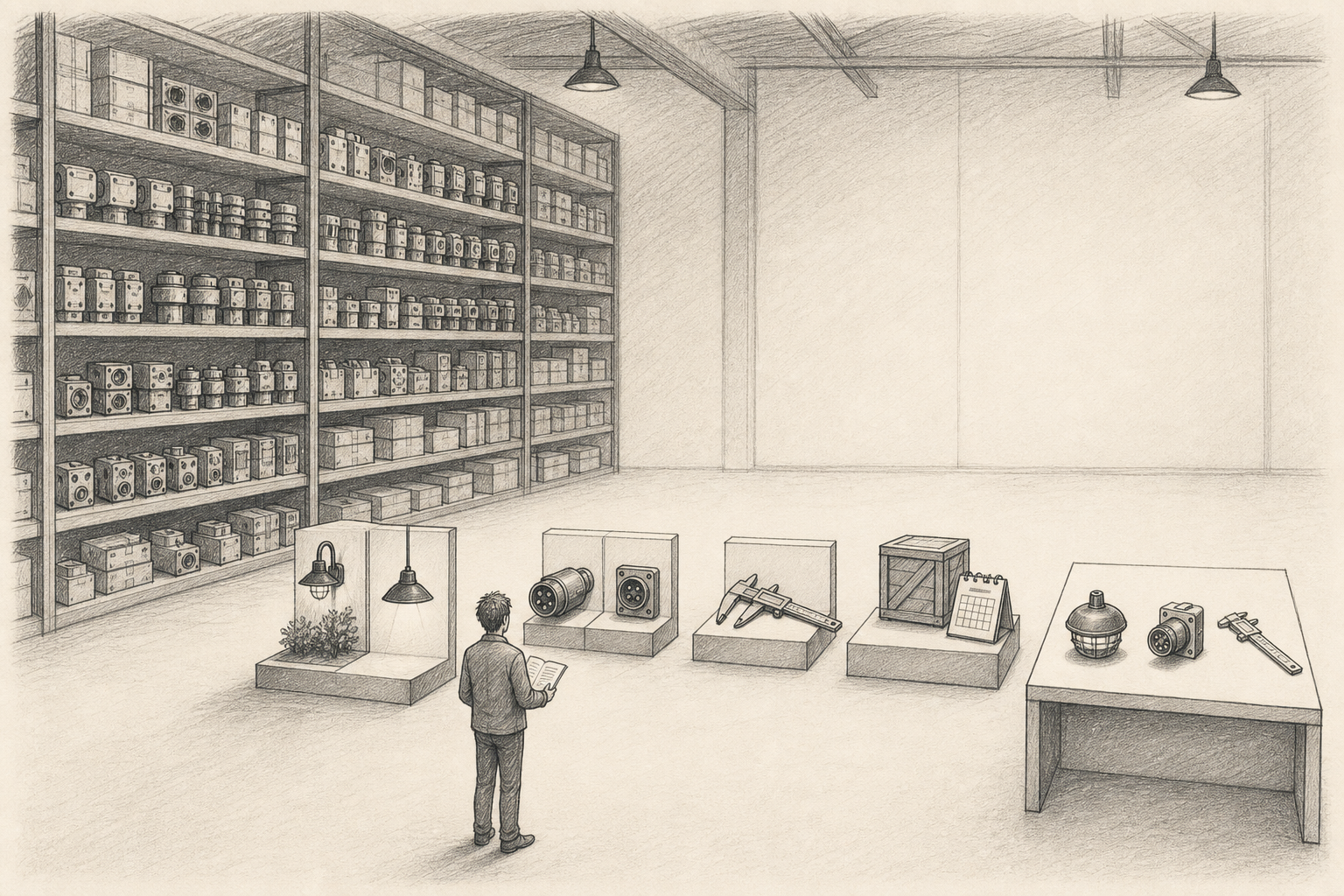
The opening section does not need to give every model equal prominence. Start with the conditions that genuinely change the recommendation: indoor or outdoor use, standard or demanding environments, standalone operation or integration with an existing system.
Once buyers recognize their situation, show the relevant product families and the differences that affect fit. Avoid repeating shared specifications across multiple pages. Explain what changes between the models and when that difference matters, while keeping the full specification tables available for verification.
For example, a buyer might identify outdoor installation, an existing control system, and a mandatory performance standard before narrowing the catalog to two product families. They may still need expert help to choose a final model. But “Which configuration works with this control system?” gives the sales team a far better starting point than “What products do you have?”
Put the inquiry where uncertainty remains
Catalogs created as PDFs or presentations can be uploaded to FeatPaper and shared by link. When operation or installation is difficult to understand from a still page, the Motion PDF editor can connect video or a GIF. Information that buyers need to verify later—dimensions, compatibility, order quantities, and supply conditions—should remain in the text or tables as well.
An inquiry CTA is most useful after buyers have narrowed the product family but reached a condition they cannot confirm alone. Instead of repeating a generic “Request a quote” on every page, explain what help is available:
- Confirm a model for this operating environment.
- Check compatibility with existing equipment.
- Ask about supply terms at the required quantity.
- Discuss additional components needed for installation.
Each inquiry now suggests a different preparation path. A compatibility question calls for connection requirements. A supply question calls for quantity and delivery details. The catalog is not acting as an automated salesperson; it is giving the sales team and the buyer a more specific place to begin.
Use viewing activity to prepare, not infer
FeatPaper can show which pages were opened or revisited and whether a connected link was clicked. These observations can provide context for an inquiry and help a salesperson prepare the next question.
They do not establish that a buyer has selected a product. A long visit to one model page may mean that the specifications were complex, the buyer was comparing another model, or the page was simply left open.
Instead of saying, “You have chosen this model,” ask something the buyer can answer:
As you compare the models, which condition are you checking first: operating environment, compatibility, or supply timing?
Viewing activity shows what happened inside the document, not what the buyer was thinking. The reason still has to come from the earlier conversation and the buyer’s response.
Checklist for clearer catalog inquiries
Before sharing the catalog, confirm that:
- Buyers can begin with their operating environment and intended use.
- Compatibility, required standards, and operating constraints can be narrowed before the detailed model list.
- Differences between similar products are tied to the conditions in which they matter.
- The inquiry CTA connects to a condition that still needs expert confirmation.
- The inquiry gives the sales team enough context to prepare relevant information and questions.
- Viewing activity is used to clarify the inquiry, not to declare a product choice.
Showing every product is not the same as helping buyers find the right one. A catalog with a large product range should make the narrowing process and the route to expert help equally clear. Then the next conversation can begin with “I need to confirm this configuration” rather than “What products do you have?”