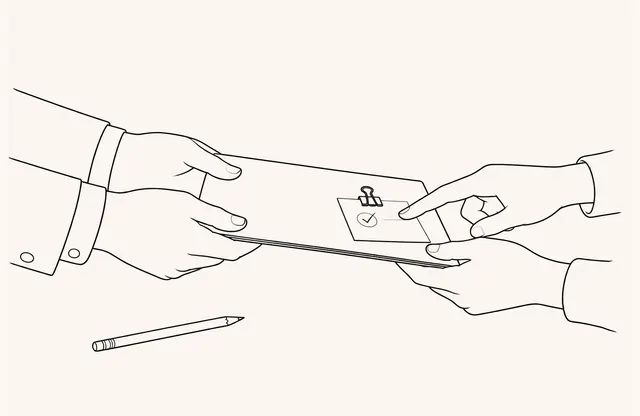
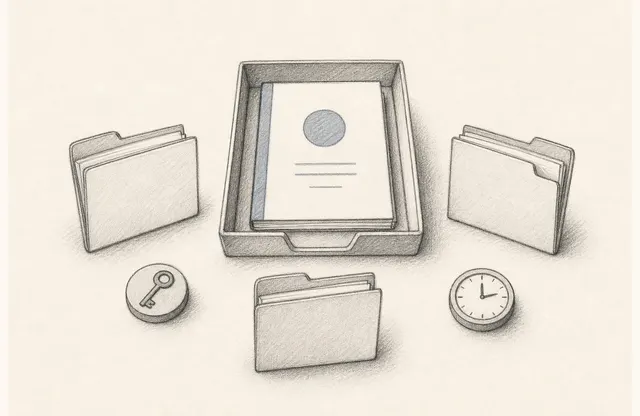
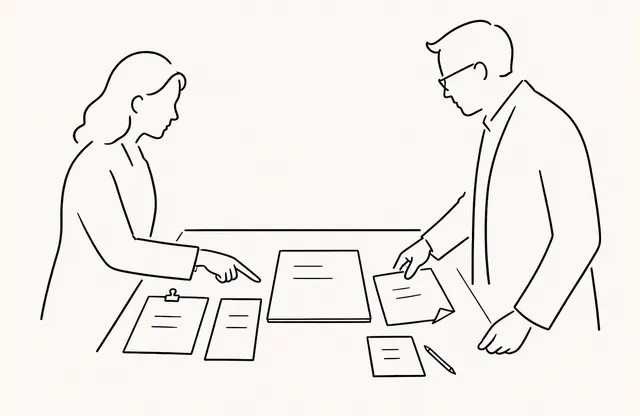
Suppose an introductory course used for a spring cohort will run again in the fall. Reusing one link may look simpler because the content is similar. But changing the spring cohort’s viewing end date could affect the fall cohort as well, and it becomes difficult to explain which version each cohort received.
Duplicating the source document for every cohort creates the opposite problem: revisions spread across multiple copies. The goal is not to choose either duplication or reuse. It is to manage the course’s source content and each cohort’s distribution conditions as separate units.
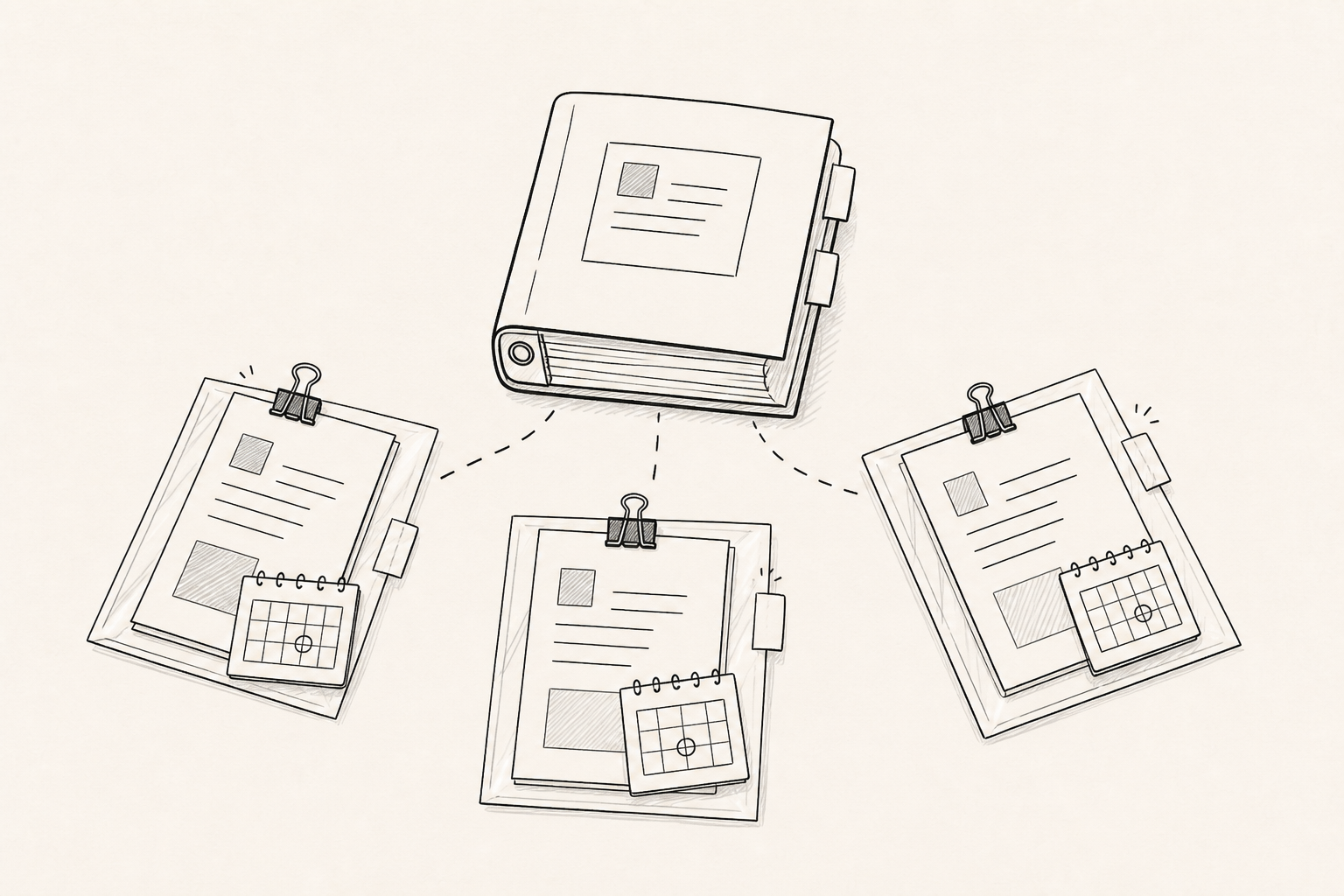
The Course Owns the Content; the Cohort Owns Distribution Conditions
The course holds the source content that continues across cohorts, such as the learning topic, structure, and operating guidance. The cohort holds conditions tied to a specific operating period, including the audience, start and end dates, and owner. The same course can require different access periods and announcement schedules for different cohorts.
A practical starting point is to manage the source document at the course level and separate distribution links by cohort. Common content then stays under one source revision while each cohort’s access window and closure responsibility remain distinct.
Define When a New Cohort Link Is Needed
This does not mean every cohort must always receive a new link. One distribution unit may be considered when the audience, period, and operating owner are the same and there is no business reason to distinguish the groups. A separate link becomes useful when viewing start or end dates differ, or when different people own announcements and questions.
Describe the rule with operating conditions rather than people’s names. A record such as course-intro / 2026-fall / corporate-a / Sep 1–Oct 15 explains the distribution unit with a cohort code and date window, without recording student names. A cohort code is not a substitute for collecting other student personal data. The document itself should also avoid sensitive personal information because the link may be forwarded.
Close the Viewing Window With the Cohort Schedule
A viewing period can be set for a shared document. For training material, choose that period with the lead time for advance guidance and later review in mind instead of simply matching the class dates. Record who approves the start and end dates in the lifecycle register.
The end of a viewing period does not prove attendance or completion. A viewing period is not an absolute security guarantee either. Treat it only as a condition for managing when the operator closes the distribution channel.
Separate Updates That Can Keep the Same Link From Changes That Need a New One
Corrections or contact-detail updates that should apply immediately within the same cohort can be handled by updating the document while retaining its link. A new version can be uploaded without changing the link, and analytics from earlier versions are preserved. If the page count or layout changes, however, check the positions of interactive elements again.
Do not quietly overwrite changes that alter the audience’s decision, such as the learning objective, course structure, price, or applicable period. Approve which revision applies to which cohort. If the change conflicts with conditions already communicated, consider a new link or separate notice. The impact of the change matters more than the convenience of keeping one link.
Use a Lifecycle Register to Connect Course, Cohort, and Link
The operating register should record the relationship and responsibility among the course, cohort, and link.
| Unit | Values to record |
|---|---|
| Course | Course ID, source document, source revision, content owner |
| Cohort | Cohort code, audience, start, end, operating owner |
| Link | Link ID, connected course revision, viewing period, status |
| Change | Reason, approver, effective date, verification result |
The purpose of this register is not to collect behavior for individual students. It is to explain which source and distribution conditions each cohort used and who is responsible for updating and closing them.
Verify Content and Access Separately After an Update
After updating a document, do more than check whether the link opens. Confirm that the title and revision marker are correct and that navigation or clickable elements on changed pages remain in the intended positions. This verification does not automatically change the viewing period for each cohort. Check access conditions separately on the connected cohort row.
Record the tested link, source revision, time, result, and reviewer. When a cohort ends, close the link status. If the period is extended as an exception, record the reason and new end date. For the next cohort, do not simply copy the previous row; approve the current course revision and new distribution conditions again.
Managing training materials by course and cohort is not the same as building an LMS. A clear link lifecycle does not need to promise attendance tracking, completion, learning outcomes, automatic enrollment, or security. Keep the source content with the course, access and closure with the cohort link, and change ownership in the register so the material can be reused without mixing audiences and versions.