An approved change is not complete just because a new file is ready. Even a one-line pricing change can affect proposals already in progress, links sent to customers, email attachments, and explanatory copy that account owners have copied elsewhere. You still have to decide which paths should receive the new terms, which conversations may retain the previous terms, and which unrecoverable copies should remain as exceptions.
The unit of work is not the entire document or asset catalog. It is a change record for one approved change. That record follows a single release incident from impact endpoints and effective time through receiver handling, exceptions, rollback decisions, and closeout.
A change record fixes the boundary of the incident
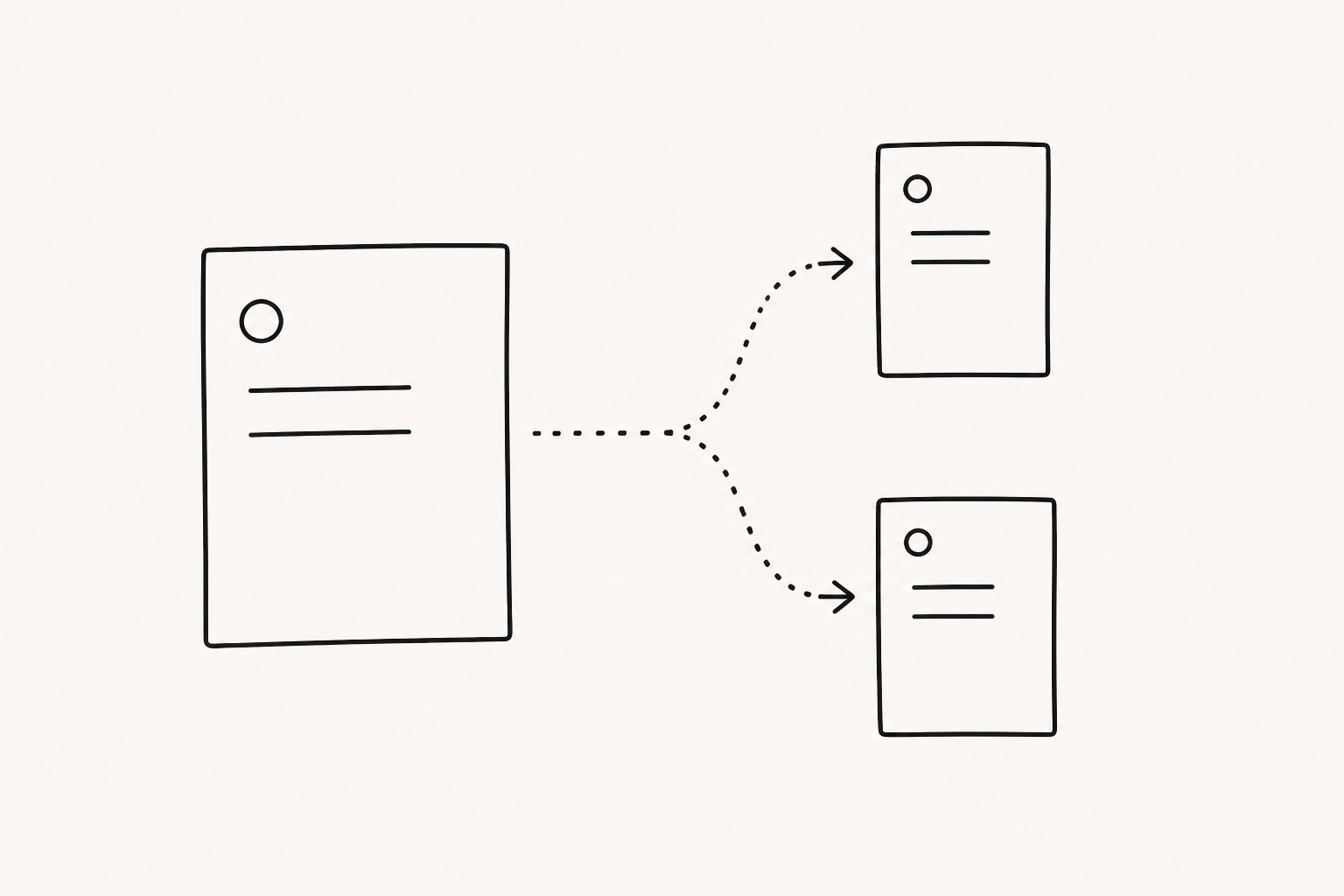
The first line of a change record describes only the approved difference. Record what changed, who approved it, when it takes effect, who owns the incident, and what must be true before it can close. This is not the place to reproduce the document’s full history or the status of every asset.
For example, do not record a price-list change simply as pricing updated. Separate the changed item and conditions, where the previous terms remain acceptable, and which connected elements require review. Fixing that boundary prevents the incident from spreading to unrelated materials while keeping active conversations from falling outside its scope.
Impact endpoints are obligations, not a file list
List every endpoint touched by the change and attach a required action to each one.
| Impact endpoint | Action to decide for this incident |
|---|---|
| Current shared link | Apply the new document and verify it in the actual viewer |
| Active proposals and negotiations | Apply the new terms, retain the old terms, or request owner approval |
| Email attachments | Decide whether to resend and what to tell recipients |
| Downloaded files and screenshots | Record whether they can be recovered and what remains as an exception |
| Explanatory copy saved by an account owner | Assign an editor and an effective completion time |
This is not an inventory for an asset library. It is the incident scope: only the endpoints that require action because of this change. Even the same link may need different handling depending on the recipient and the conversation in which it was used.
Effective time determines receiver handling
The effective time is not the file modification time. Decide first whether the new terms apply immediately after approval, only to proposals opened after a specific time, or not to conversations already in progress.
Then group recipients by the action they need: resend the new material, notify of the change, confirm separately, or no action. The notice should state what changed, when it takes effect, whether the previous material remains valid, and whom to contact. A record that someone opened a link does not mean they understood or accepted the change, so ask directly when consent is required.
A shared link and an offline copy cannot share one completion status
FeatPaper lets you update the document behind an existing shared link. In the incident record, note whether the new document was applied to that link and whether connected elements such as page order and the CTA were checked in the actual viewer. That closes only the link endpoint.
Downloaded PDFs, email attachments, and screenshots do not update with it. Mark a copy complete only when its recovery is confirmed; otherwise, leave an offline copy unconfirmed exception. Sending the new material again is also different from concluding that every old copy has disappeared.
Remaining exceptions change the rollback decision
If the new document contains a terms error or a connected element fails, decide what to reverse at the incident level. Replacing the document behind the link with the previous file, pausing the new terms, and sending a correction to recipients are separate actions.
Record the rollback owner, trigger, endpoints reverted, and recipients who need another notice. Restoring the previous file does not automatically restore the validity of the previous terms. When the terms themselves require judgment, the approver must decide the scope again.
Closeout signs off both dispositions and remaining exceptions
Before closeout, confirm that every endpoint in the change record has a final disposition: applied, receiver handled, exception approved, or rollback complete. An ownerless item or a vague checking status is not closed. For an attachment that cannot be recovered, record the reason for the exception, its owner, and when it will be reviewed again.
Closing the impact of one approved change does not mean eliminating every old version. It means confirming, in one change record, what happened at each endpoint, who was notified after the effective time, and what remains as an exception. The release incident closes only when every disposition and owner is recorded.