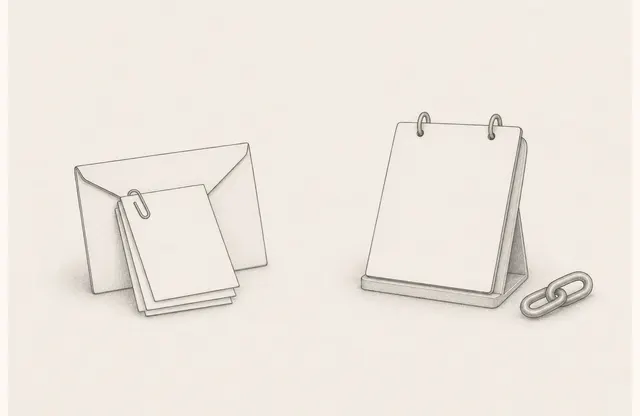
A field guide and an already downloaded PDF are difficult to change after distribution. Product specifications, application steps, or training schedules may change while printed copies remain on desks and in bags. Reprinting everything after every change makes both cost and recovery scope hard to predict.
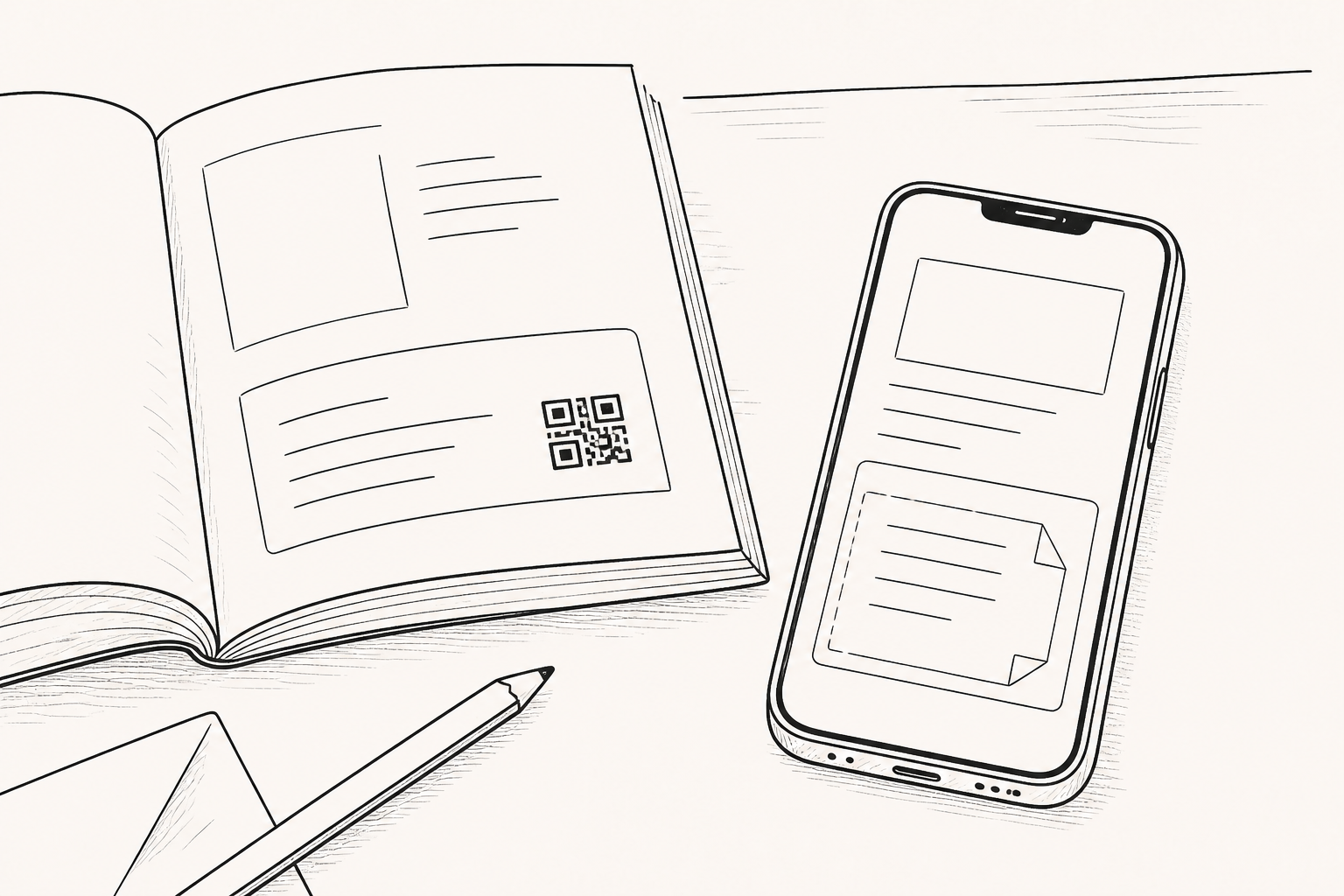
Instead of removing print, divide its role. Keep durable, essential information on paper and connect frequently changing details to a managed web document through a QR entry. The important decision is not simply adding a QR code. It is choosing a stable destination and assigning responsibility for keeping it useful.
Separate what belongs on paper from what belongs on the web
Field settings may have unreliable connectivity, and taking out a phone may be impractical. If safety instructions, emergency contacts, or the basic work sequence are hidden behind a QR code, the printed material loses its advantage.
Pricing, detailed specifications, schedules, application forms, and frequently revised procedures are better candidates for a web document. Before printing, classify each item by two questions: “Is it needed without a connection?” and “Is it likely to change?” If something is both essential offline and frequently updated, print a clear reference date and direct readers to the QR destination to confirm current details.
State the reason for moving next to the QR code
A QR code alone does not tell the reader what will appear after scanning. Add a short purpose such as “Review current specifications,” “See the current training schedule,” or “Check the revised application steps.” The related paragraph on paper and the opening of the web document should answer the same question.
The destination should lead directly to the relevant document rather than a generic website home page. Test on a real phone whether the title and essential guidance appear first. This is not a full mobile-layout audit. It is a minimum check that the reader does not lose context immediately after the QR handoff.
Separate the stable entry from changing content
A QR code printed on paper cannot be replaced without printing again. If its address changes, the connection breaks. Choose a destination whose current content can be managed at the same address, and assign an owner who can maintain an alternative notice if the address must change.
FeatPaper’s current official sharing guide describes a setting that adds a QR code to downloaded PDFs so readers can return to the online viewing page and reach the current document. The setting applies to PDFs downloaded afterward. It does not retrieve files that were already saved or printed and add a QR code to them, so confirm the setting before distribution.
A QR inventory reveals the lifecycle of printed materials
Record the printed item, distribution date, QR destination, owner of the web document, reference date printed on paper, and next review condition. If several printed items point to the same web document, connect them in the inventory so the affected materials can be identified.
If print quantity and distribution locations are known, they can help define the notification scope when an error occurs.
When pricing changes, a product is retired, or a training schedule is reorganized, review the related destinations. Transfer the QR inventory when the document owner changes. A QR code does not prove that its destination remains valid; each stable entry still needs a current owner.
Prepare a fallback for connection failure
Before distribution, test the code at its printed size and under realistic lighting. Check whether an internal login or permission request blocks external users, and whether the paper alone still provides the minimum action when the connection is slow. A short address or contact path beside the QR code provides an alternative when the camera cannot be used or the destination is temporarily unavailable.
If a web document must be retired, decide whether the address should first show a new destination or an end notice instead of disappearing immediately. Readers may pick up an old printed copy much later. This connection does not change the contents of a distributed file; it maintains the fixed entry so that it can lead to current guidance.
“Current” still needs a person
A QR code does not keep a document current by itself. Without an owner and a review schedule, it becomes a shortcut to outdated information.
Treat print less as a permanently current copy and more as a durable entry point. Separate fixed from changing information, then manage the destination, owner, and fallback. Even material already distributed can continue to guide readers toward the current information.