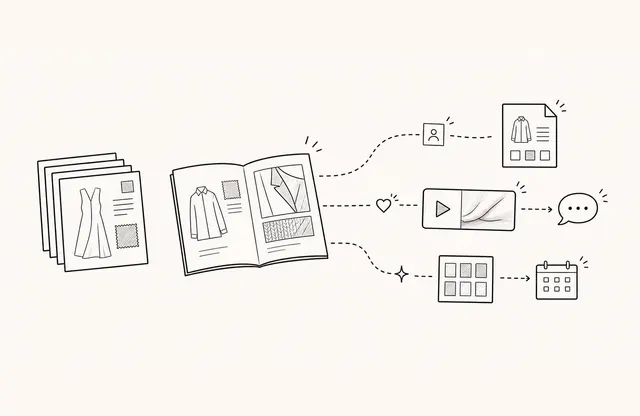
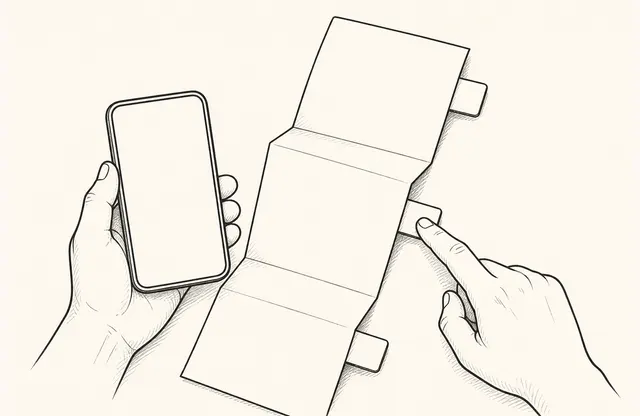
This is a general product-use scenario for marketing and sales operations teams building follow-up around verified participant states. It does not describe the performance of a particular webinar.
After a webinar, participant lists, presentation files, recordings, and questions arrive at once. It is tempting to begin with an automation that sends material to everyone ten minutes after the event. Delivery becomes faster, but absentees and people who asked questions may receive the same message, while consultation requests disappear into a shared inbox.
The starting point for follow-up automation is not the trigger. It is defining each person’s verified state, the content and next action they need, and who will take responsibility by when.
Define follow-up states before the event
States used in automation should be observable facts rather than interpretations. For example:
- Registered but did not attend
- Attended
- Submitted a question
- Agreed to receive event material
- Directly requested a consultation or demo
Do not automatically assign labels such as “high interest” or “likely to buy” from document viewing alone. People can spend time on the same material for different reasons. First confirm which attendance, question, and consent fields the event platform actually collects.
Give the follow-up link selectable depth
People who attended the same event still need different levels of detail. One link can offer three layers and reduce the need to send several attachments:
- Key summary and main questions
- Presentation material and recording
- Detailed-resource request, question submission, or consultation choice
FeatPaper can share presentation material as a link and connect video, buttons, or forms. Instead of placing every CTA on one screen, let people who need a summary, detailed evidence, or a consultation choose the relevant next path.
Put state, purpose, and owner in one message table
Before configuring an automation tool, create a small operating table.
| Verified state | Message purpose | Content | Next action | Owner |
|---|---|---|---|---|
| Did not attend | Recover the essentials | Summary and recording | Submit a question | Content operations |
| Attended | Review the presentation | Slides and related material | Choose detailed content | Marketing operations |
| Asked a question | Fulfill the answer commitment | Answer and supporting material | Ask a follow-up | Speaker or topic owner |
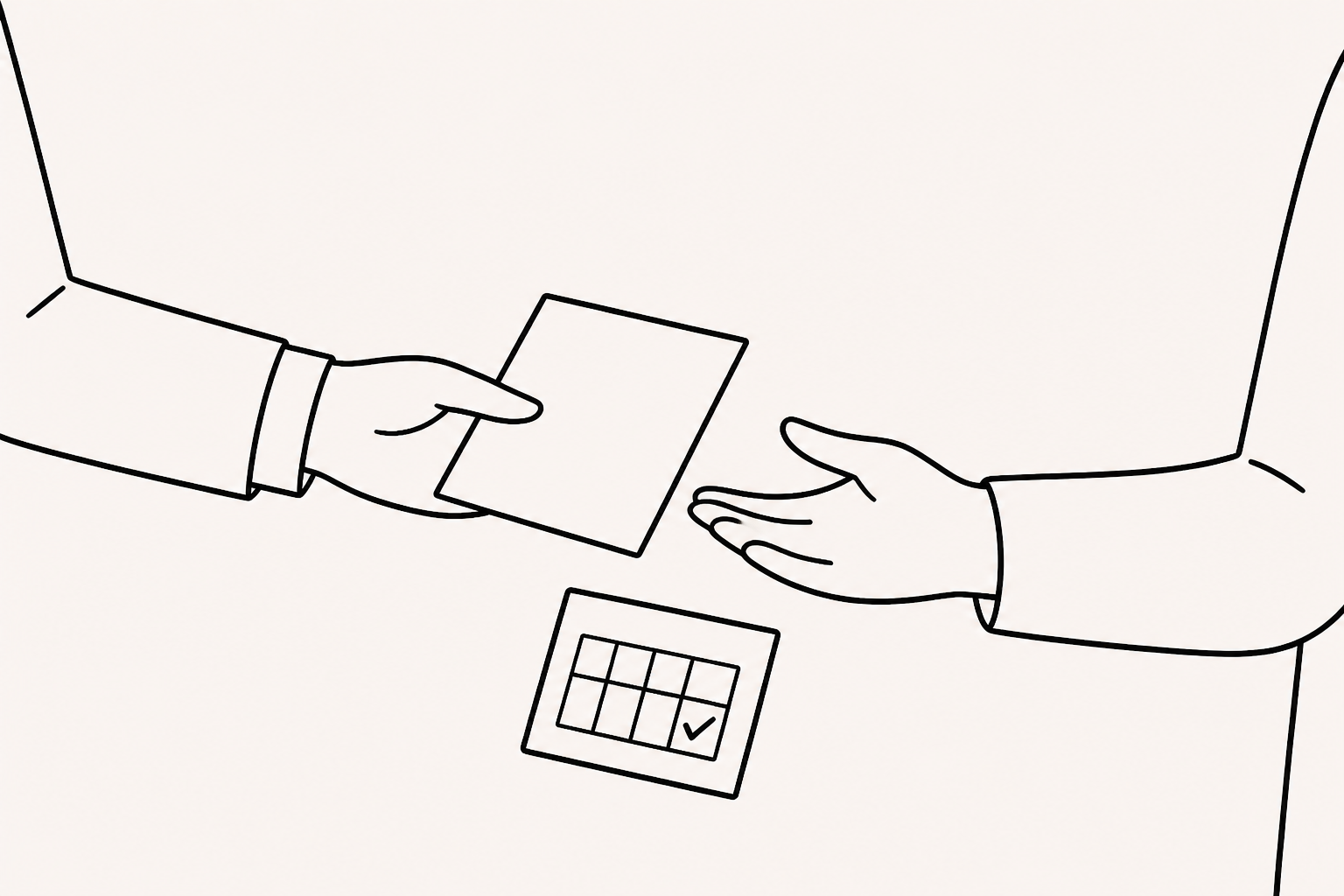
| Requested consultation | Confirm the request | Meeting preparation guide | Coordinate a time | Sales owner |
The table clarifies who responds after automated delivery. One clear promise for each state is more useful than simply increasing the number of messages.
Separate automated work from human judgment
Rules are useful for confirmation emails, inserting links, and assigning tasks to an owner. A person should still interpret the meaning of a question, set consultation priority, and decide the scope of an answer.
A rule such as “classify anyone who opens the document as highly interested and send a different message” is simple but turns viewing into intent. If branching is needed, use explicit actions such as event consent, a directly selected CTA, or a submitted question, and assign someone to review exceptions.
Use document viewing to improve operations before using it for branching
FeatPaper viewing records can show that a document opened or that a page was revisited. They are not a score of whether a participant wants to buy.
If several participants spend time on the same explanation or repeatedly look for the same link, review the order, terminology, and supplementary explanation for the next event. In individual follow-up, connect the conversation to the question they submitted or the CTA they selected rather than disclosing viewing activity.
Validate the process with a small manual run
Do not connect complicated branching and several tools for the first event. Run the operating table manually or semi-manually once and record missing states and ownership gaps. Check whether a message reaches the wrong recipient, where answer requests accumulate, and whether consent boundaries are respected.
Then automate only steps that repeat and have clear error criteria. Whether post-webinar sending or view-based branching is available depends on the event, email, and automation tools in use. Confirm that support separately instead of assuming a document-sharing function replaces it.
Good webinar follow-up automation is not the flow that sends an email fastest. It sends material suited to a verified state, lets participants choose the next action, and assigns a person to own that choice. Speed can come after the operating model is accurate.